CHOOSE WITH THE DETAILS IN VIEW
Compare CCTV camera systems, line by line
Packages with a similar camera count can include different equipment. Use the same checklist for every system on your shortlist.
Questions to use when comparing your options| Start with | Consider | Ask before choosing |
|---|
| Cameras | Exact models, quantities, lens options and any mixed camera types. | Does each camera suit its assigned position? |
|---|
| Recorder | Model, supported inputs, recording capability and network/power arrangement. | Will it support the cameras and features you intend to use? |
|---|
| Storage | Whether a drive is included, its capacity and the recording plan. | Does the listing say “No HDD”, or is a drive part of this configuration? |
|---|
| Installation | Cabling, mounting, configuration, access and handover. | Which of these items are included in the written quote? |
|---|
CCTV camera systems for home: choose the views first
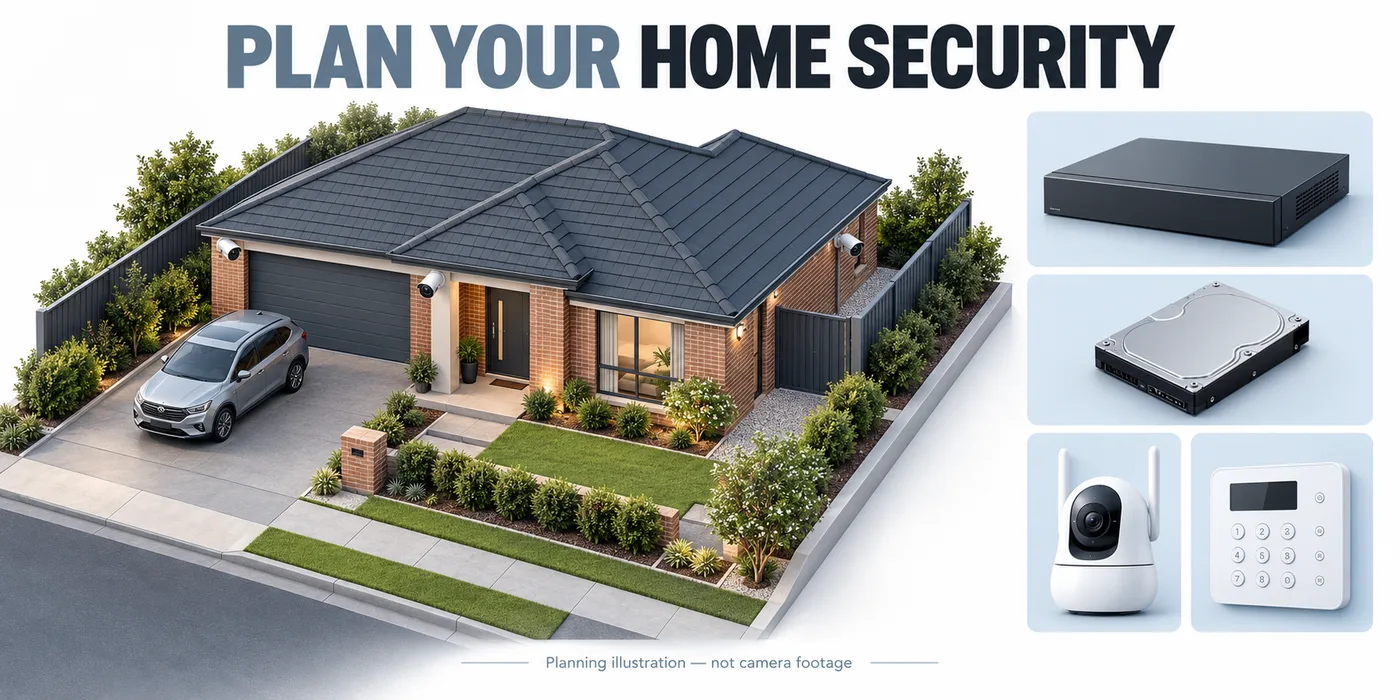
Map the views you need today, then consider realistic additions such as a garage or another entrance. Check the recorder’s supported channel count and recording specifications for the cameras you have chosen. Spare channels only help if the recorder, connections and storage can support the future additions.
Avoid assuming an eight-channel recorder means a package contains eight cameras. Read the contents line by line. A kit may pair two, four or six cameras with a larger recorder, and the same product family can have several configurations.
Plan the views around a home ↗Wireless CCTV camera systems and recorder options
Start by checking how the cameras connect, how they receive power and where footage is saved. A Wi-Fi camera, a battery camera with a hub and a camera connected to a compatible wireless NVR are different configurations. Confirm whether your chosen setup supports continuous recording or selected events, and whether storage is included.
Bring your router position, available camera power and recording requirements when comparing wireless and wired options. Check the exact recorder compatibility and test the connection at the intended camera positions before settling on a system.
Wireless security camera systems with a recorder: buying guide ↗Plan recorder location, household access and the network
A home security camera system needs somewhere suitable for the recorder, power and required network connections. Include ventilation, access for maintenance and a way to review footage in the layout discussion. Check whether camera power comes from compatible recorder ports, a separate switch or another supply. The correct arrangement depends on the selected models.
Agree which household members need viewing access and who will manage the system account. Ask how local recording, playback and remote phone access behave if the internet connection stops. Include any required network equipment and backup-power discussion in the comparison so the quoted system covers more than the camera housings.
Compare package contents and camera kit options ↗Separate the equipment price from storage choices
A recorder and a recording drive are separate items unless the listing explicitly includes both. Look for the drive capacity in the package contents. Where the product offers storage as an option, include that option when comparing the total with another kit.
Decide how long footage needs to remain available and which cameras will record continuously or on events. Resolution, frame rate, compression, scene activity and recording schedules affect storage use. Ask for a retention estimate based on the proposed settings instead of assuming every system stores the same number of days.
Check compatibility before mixing old and new equipment
For an upgrade, list the camera and recorder models already installed. Note the cabling and any functions you rely on, such as audio, event search or remote viewing. Establish which components can remain before pricing the replacements.
The ability to display an image does not necessarily confirm that every detection, audio or management function will work in a mixed system. Ask for the specific features you need to be checked with the chosen camera and recorder combination.
- Photograph existing model labels where accessible.
- Record the cameras and channels already in use.
- List any spare cables or planned new mounting positions.
- Ask which accounts, passwords and network settings are needed for handover.
CCTV camera systems installation in Melbourne
Compare the equipment subtotal, selected options and installation work separately. Include any brackets, junction boxes or network equipment your installer identifies. A low base kit price is not a useful comparison if another quote already includes the drive and configuration you need.
For a Melbourne property, discuss the layout and access requirements with the person preparing the installation scope. Rhodium Security’s showroom is in Lynbrook. Bring the competing equipment lists or your own shortlist so we can compare models and prepare a quote covering equipment, cabling, setup and handover.
Request a home CCTV installation quote ↗Comparing Jaycar CCTV camera systems?
Bring the full kit listing and a property sketch so you can compare equivalent cameras, recording, storage and installation requirements. Check the recorder technology and cabling first, especially when replacing existing equipment. Rhodium Security is independent of Jaycar; compatibility and total cost depend on the exact shortlist.
Jaycar CCTV system comparison checklist ↗Comparing CCTV cameras at Bunnings?
Use the same coverage and recording brief for every package. Identify included storage, camera power and any ongoing services before comparing the total. Our independent Bunnings buying checklist helps you record these differences and the support questions to ask.
Bunnings camera and system buying checklist ↗Looking for CCTV camera systems near Lynbrook?
Visit Rhodium Security at 12 Stelvio Close, Lynbrook VIC 3975 to discuss home camera kits, recorder choices and installation options. Our showroom is open Monday–Friday 9 am–5 pm and Saturday 9 am–1 pm; Sunday closed. Call 03 8787 8779 to confirm the models you want to discuss.
Bring your shortlist and existing camera labels. For online collection orders, wait for the ready-to-collect email before travelling. If you need installation, our team will confirm your written quote and appointment.
Showroom directions and collection information ↗Your questions, answered.
What is included in a security camera system?
That depends on the individual listing. Check the exact camera models and quantity, recorder, drive and accessories. A package title alone is not a complete parts list; lens, colour and storage options can change the final configuration.
Which CCTV camera system should I choose for home?
Start with the entrances, paths and driveway views you need, then choose the camera positions, lenses, recording schedule and storage. Compare a complete configuration for your home rather than choosing by camera count alone.
Home camera buying guide ↗Can a wireless CCTV camera system record locally?
Yes, where the exact camera and recorder, hub or memory-card configuration supports it. Confirm compatibility, included storage, recording modes and camera power. Wireless does not automatically mean battery powered or compatible with every NVR.
Wireless recorder guide ↗What does “No HDD” mean in a camera kit?
It means a hard disk drive is not included in that listed configuration. Confirm a compatible drive and the required capacity if you want the recorder to store footage. Add the selected drive cost when comparing package totals.
Should I choose a four-channel or eight-channel system?
Start with the number of cameras required and any realistic expansion. Then compare the recorder’s supported resolutions, recording capacity and connections. The channel number alone does not describe every limitation.
Is installation included in the displayed product price?
Treat the catalogue price as equipment pricing unless an individual confirmed quote explicitly includes installation. Cabling, mounting, setup and handover need a clear scope before work is booked.
Can I compare Dahua and Hikvision kits here?
Yes. Browse the brand ranges and compare exact camera quantities, recorder models and storage choices. Keep the same coverage and recording requirements when comparing the two lists.
Browse camera systems ↗



![Dahua 10 x [Black] 6MP DH-IPC-HDW3666EMP-S-AUS SMD 4.0 AI Turret Kit 30m IR 2.8mm with SMD + 16CH NVR Wizsense AI](/_next/image?url=%2Fimages%2Fcatalog%2Fsw-36512.png&w=3840&q=75&dpl=dpl_3sdFfoyrsJ13efo8Ph4FEGxKkm6p)

