See cameras working
Working demonstrations help you ask better questions about the image, playback and everyday use. Call ahead for a specific model.
 RHODIUMSECURITY
Shop HiLook security cameras and four-camera CCTV kits from Rhodium Security in Lynbrook. Public customers are welcome. Compare individual IP cameras with kits for a new setup, including the recorder, storage options and features listed for each model.
Prices include GST. Order online for $20 Australian delivery or free Lynbrook collection. Visit 12 Stelvio Close for help choosing compatible models; call 03 8787 8779 to check availability before travelling.
SEE. ASK. COMPARE.
Working demonstrations help you ask better questions about the image, playback and everyday use. Call ahead for a specific model.
Discuss Dahua, Hikvision and HiLook options, including the camera model, lens, recorder and storage that fit your brief.
Meet us at 12 Stelvio Close, Lynbrook. Bring your equipment questions and order details to the same physical showroom.
EXPLORE THE RANGE
Compare these individual camera examples by full model, lens, night lighting and detection features. Have your existing recorder checked before choosing a replacement.
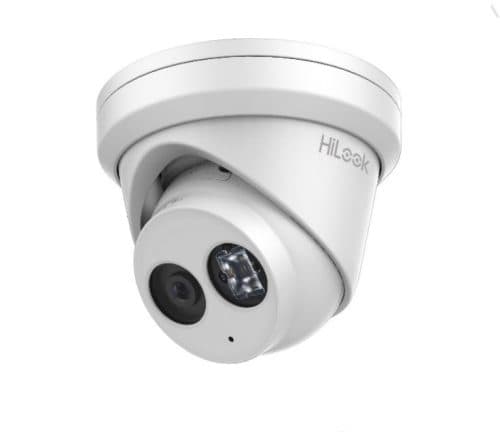
Model / SKU: IPC-T261H
6 MP resolution · Turret camera · AcuSense range
$90.00incl. GSTCall to confirm current Lynbrook availabilityView options ↗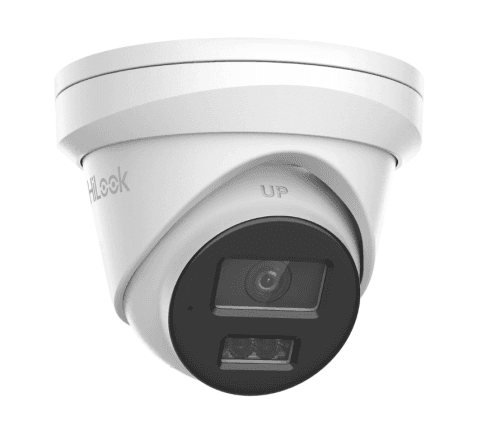
Model / SKU: IPC-T361H-MU
6 MP resolution · Turret camera · AcuSense range
$110.00incl. GSTCall to confirm current Lynbrook availabilityView options ↗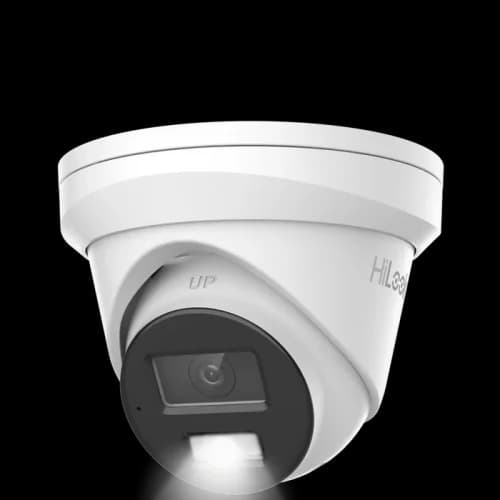
Model / SKU: IPC-T363H-MU
6 MP resolution · Turret camera · Built-in microphone
$118.00incl. GSTCall to confirm current Lynbrook availabilityView options ↗Start a four-view shortlist here. Check the camera models, recorder and selected hard-drive option in each listing; some base kits have no HDD. Request equipment and installation together if you want a complete installed quote.
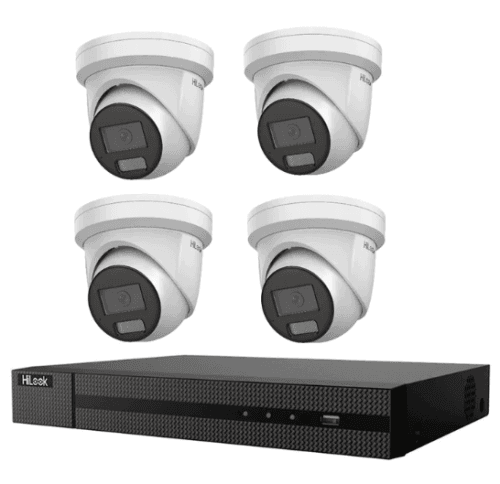
Model / SKU: RS-113986
6 MP resolution · 4 camera kit · 4 channel recorder
$540.00incl. GSTCall to confirm current Lynbrook availabilityView options ↗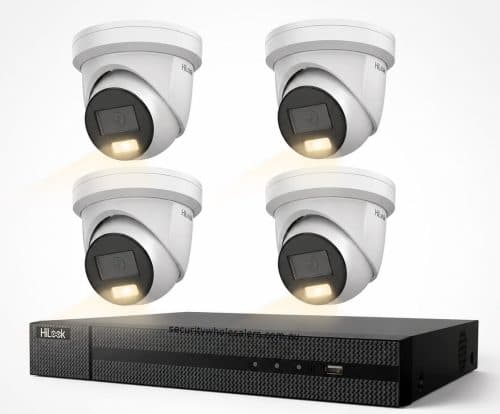
Model / SKU: RS-116642
6 MP resolution · 4 camera kit · 4 channel recorder
$604.00incl. GSTCall to confirm current Lynbrook availabilityView options ↗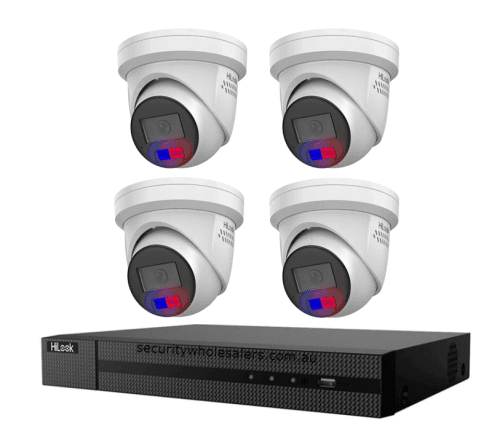
Model / SKU: RS-93071
6 MP resolution · 4 camera kit · AcuSense range
$820.00incl. GSTCall to confirm current Lynbrook availabilityView options ↗Check individual listings for model details, selected options and pricing. Confirm showroom availability and collection arrangements before travelling.
CHOOSE WITH THE DETAILS IN VIEW
A useful shortlist balances the views you need with the recording and everyday operation behind them.
| Start with | Consider | Ask before choosing |
|---|---|---|
| Coverage | The entrances and access paths you need to see. | Does each proposed camera have a clear purpose and suitable lens? |
| Recording | Camera count, recorder support and the selected drive. | Can you find and export the footage you are relying on? |
| Connections | Existing cabling, power and network arrangements. | Has the camera-to-recorder connection been checked for this exact setup? |
| Everyday access | Local playback, phone access and account ownership. | Who will use the system, and what setup or training will they need? |
List the views you need before deciding how much to allocate to individual cameras. Include the recorder, any recording drive, mounting accessories and installation work in the comparison. A smaller equipment list that covers the right positions can be more useful than extra cameras with no clear purpose.
Use model-specific prices and check the configuration behind each one. Where a kit says “No HDD”, account for storage separately. If another kit already includes a drive, compare the same final configuration so the totals mean something.
Browse HiLook cameras and kits ↗HiLook cameras with a similar housing or resolution can still differ in lens coverage, audio and other functions. Keep the full model and any lens selection in your notes. Check the product’s listed specifications and use the matching datasheet where available.
Give the camera a specific job: covering a front door, looking down a side path or providing a yard overview. Then compare field of view and the available light at that position. Avoid selecting the same lens for every location simply because the camera bodies match.
Hikvision’s HiLookVision information describes support for compatible DVRs, NVRs and IP cameras with Cloud P2P functionality. Check that the exact equipment on your shortlist supports the application and features you need.
Decide which household members need access and who will own the system account. Ask for a handover covering live view, playback, exporting a clip and access changes. Remote viewing also needs a suitable network connection; it should not be confused with a guarantee about how or where the recorder stores footage.
Manufacturer reference: Official HiLookVision application information.
For an existing system, note the recorder model, occupied channels and camera connection type. Explain whether you want to replace a failed camera, improve an image or add coverage. Having those details available makes it easier to check the particular compatibility requirements.
If starting from scratch, bring a simple floor plan and your intended camera positions to the Lynbrook showroom discussion. Confirm what the equipment price includes and ask for any installation scope separately. Availability and collection timing need confirmation before you travel; saving a catalogue selection is not an order or stock reservation.
Discuss a setup at the showroom ↗A HiLook kit is an equipment starting point; installation needs a plan for your house. Send your suburb, number of storeys and the entrances you want to cover so we can discuss mounting, cabling and setup separately from the kit price. See the installation guide for quote preparation and handover checks.
Discuss HiLook camera installation in Melbourne ↗Yes. Public customers can shop HiLook equipment at our GST-inclusive retail prices without a trade account. Bring a layout or existing recorder model to the Lynbrook showroom if you want help checking your selection.
Online checkout offers Australian delivery for $20 including GST per order, or free Lynbrook collection. Wait for your ready-to-collect email before travelling for an order; call to check a particular model’s availability if timing matters.
Individual cameras may suit a checked replacement or expansion. A kit can be a useful starting point for several new views, provided the included cameras, recorder and storage match your plan. Compare the full parts list in either case.
Do not assume compatibility from the names alone. Check the exact camera and recorder models, connection type and the functions you require. Image recording, detection events and audio may need separate verification.
Compatible equipment can support HiLookVision. Confirm support for the chosen models, your network arrangements and the setup required for your account. The application information does not mean every camera includes an identical feature set.
Check camera quantity and models, lens choices, recorder specifications and whether storage is included. Add required accessories and any installation work to your comparison rather than judging only the displayed base price.
Yes. Contact Rhodium Security with your shortlist or existing model numbers. The showroom is at 12 Stelvio Close, Lynbrook VIC 3975. Confirm availability and collection arrangements before visiting.
Contact and showroom information ↗