See cameras working
Working demonstrations help you ask better questions about the image, playback and everyday use. Call ahead for a specific model.
 RHODIUMSECURITY
RHODIUM SECURITY · LYNBROOK SHOWROOM
Before you choose your home or business cameras, see working demonstrations and talk through the details with our team. Compare Dahua, Hikvision and HiLook options around what you need to see and record.
Public customers welcome. No trade account or online order needed.
12 Stelvio Close, Lynbrook VIC 3975
Mon–Fri 9 am–5 pm · Sat 9 am–1 pm · Sunday closed
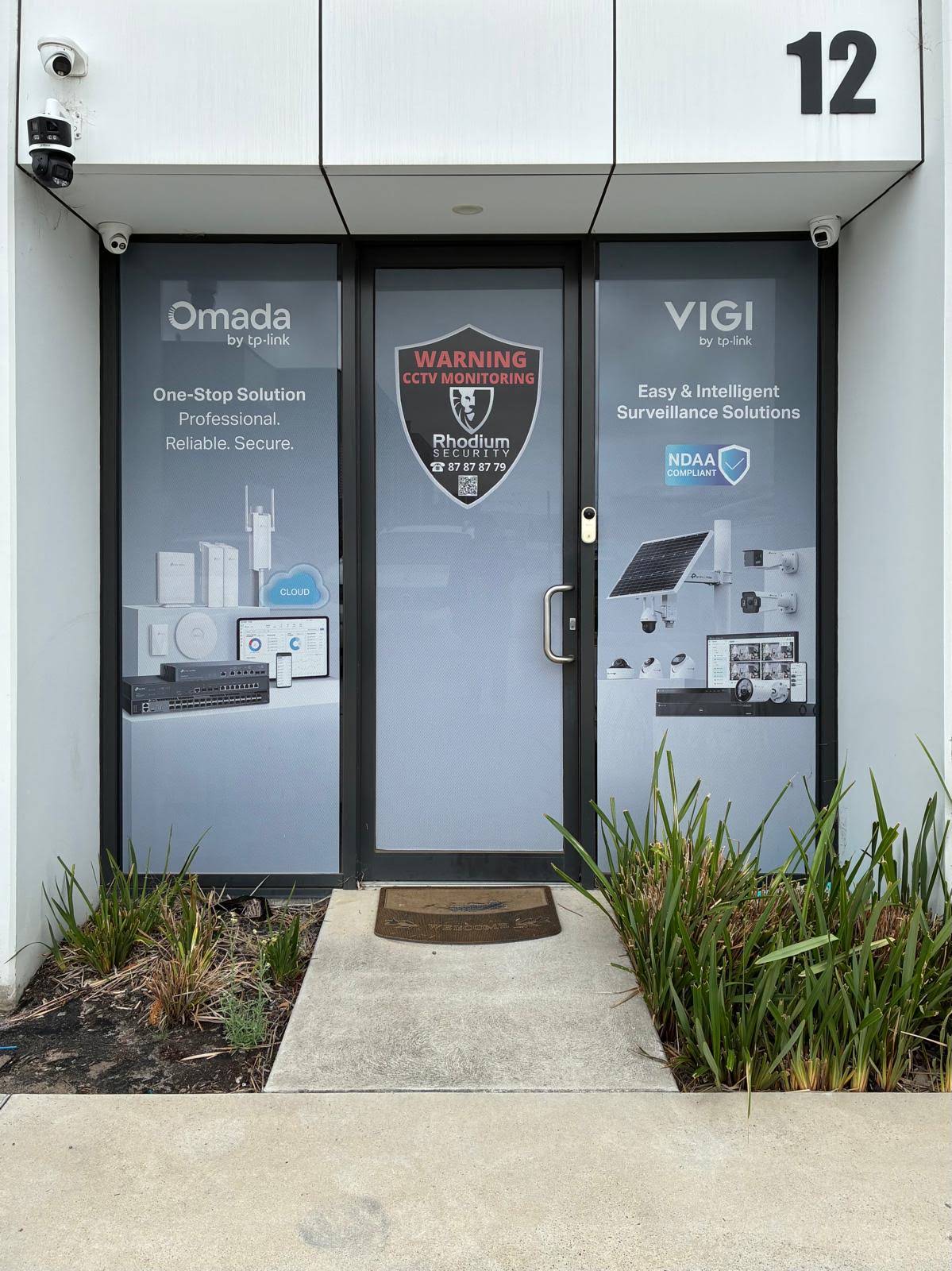
INSIDE RHODIUM SECURITY
These are photographs of our displays at 12 Stelvio Close, Lynbrook, supplied in November 2026. Public customers are welcome. Call first for a particular model or working demonstration; displays and availability can change.
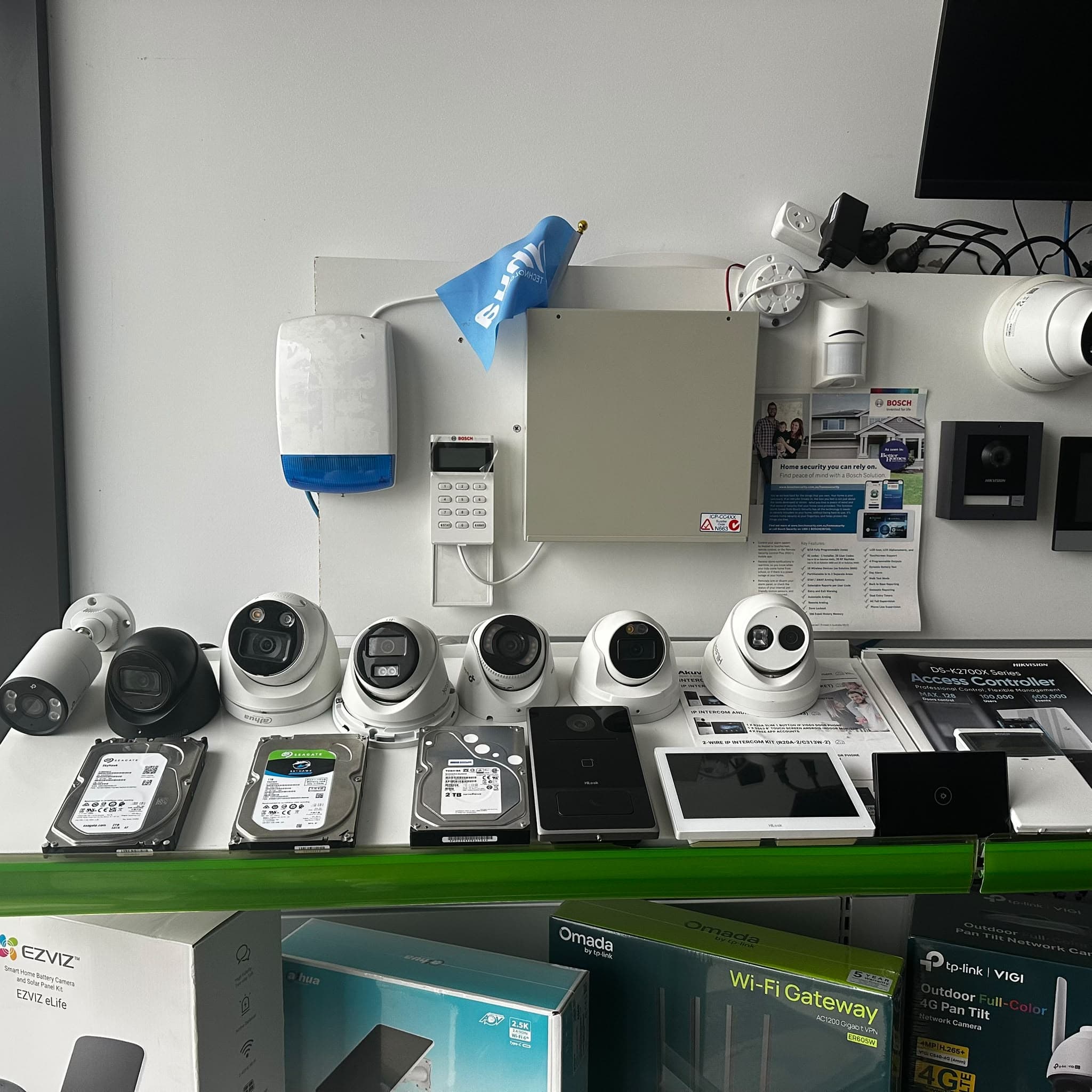
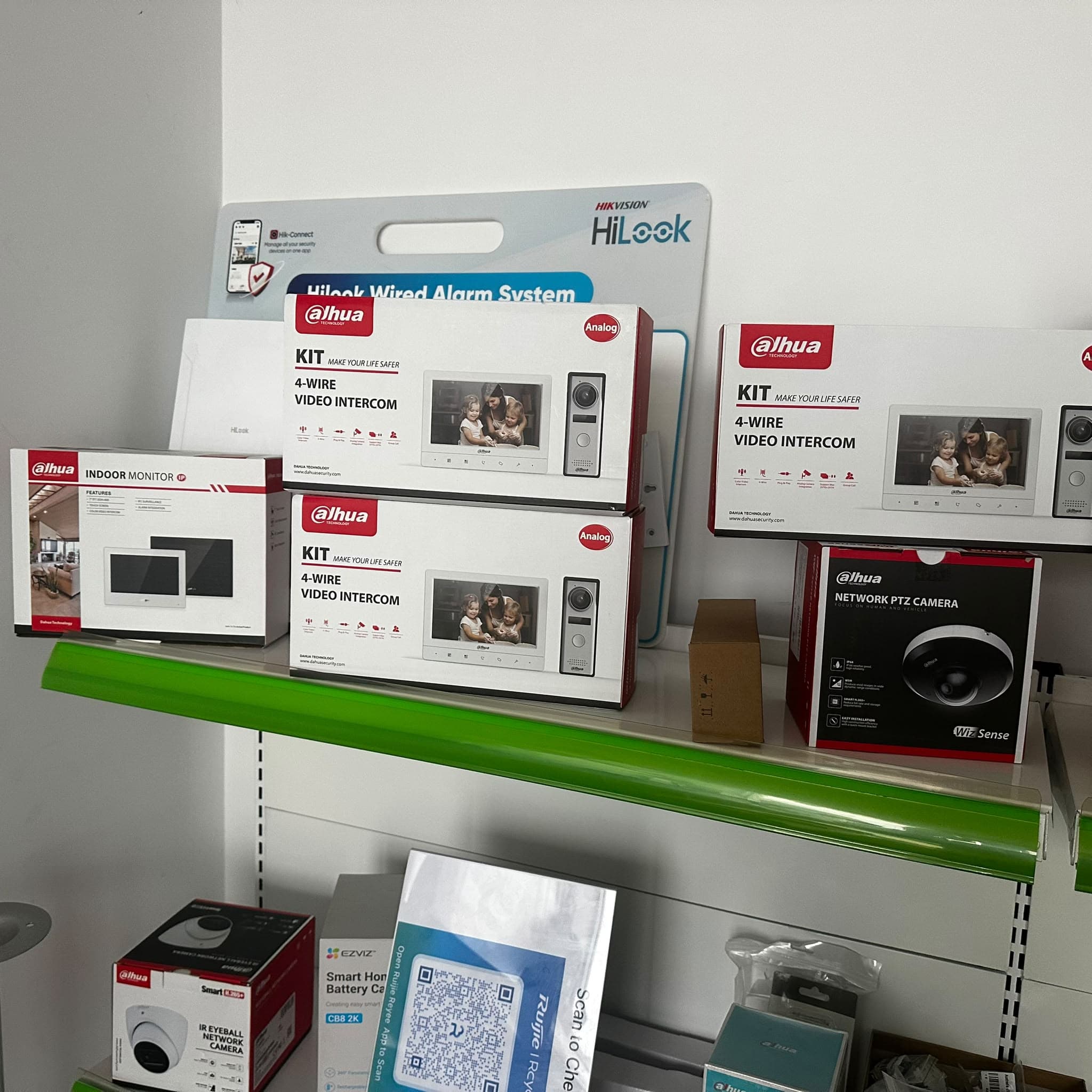
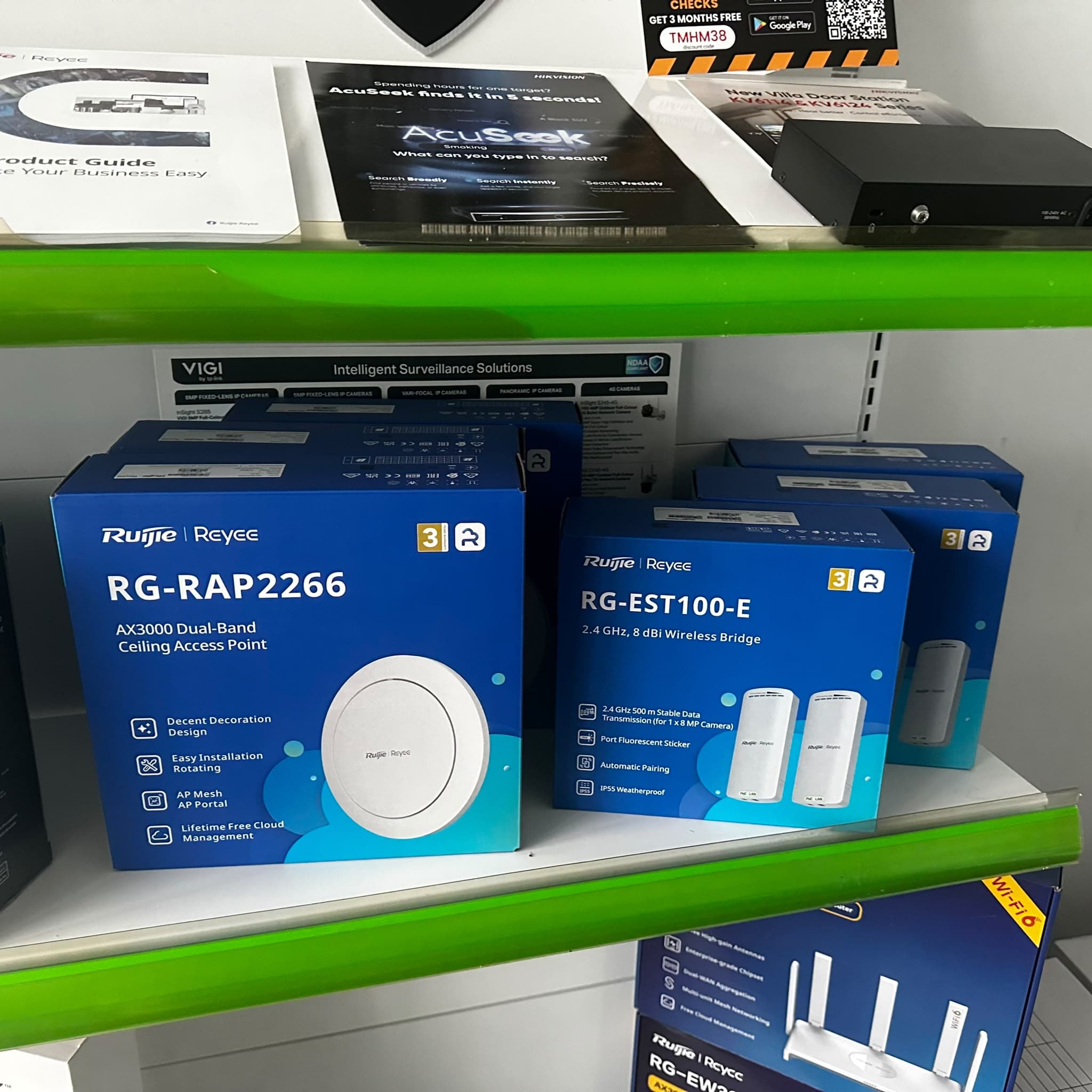
MAKE THE TRIP WORTHWHILE
Working demonstrations help you ask better questions about the image, playback and everyday use. Call ahead for a specific model.
Discuss Dahua, Hikvision and HiLook options, including the camera model, lens, recorder and storage that fit your brief.
Meet us at 12 Stelvio Close, Lynbrook. Bring your equipment questions and order details to the same physical showroom.
CHOOSE HOW YOU BUY
Many excellent security specialists work from vans. A showroom gives you an additional place to see equipment working, compare your shortlist and return with questions. Use these questions to choose the buying experience that suits you.
On a small screen, swipe the table sideways to compare both options.
| Your decision | Visit Rhodium’s showroom | Choose a mobile-only provider |
|---|---|---|
| See before you choose | See working camera demonstrations in Lynbrook. Ask which models and features can be demonstrated before you travel. | Ask what working equipment or sample footage the provider can show during your appointment. |
| Compare exact models | Discuss Dahua, Hikvision and HiLook cameras and systems with a specialist. Match the model, lens and storage to your priorities. | Ask which brands and models they supply, and compare the exact specification rather than the camera count alone. |
| Plan for your property | Bring a sketch, photos and existing model numbers. Use the conversation to build a brief for equipment and any site assessment. | A visit to your property can help assess camera positions, cable routes and mounting conditions directly. |
| Understand the quote | Request an itemised quote showing equipment, storage, installation and any ongoing charges. Discuss the scope before agreeing. | Request the same written detail and inclusions so that both quotes can be compared on the same basis. |
| Contact after purchase | You know our showroom address and opening hours. Bring your order reference and model details when you need advice. | Confirm their contact details, return process and how future service appointments are arranged. |
| Choose how to buy | Public customers are welcome without a trade account or online order. Discuss a shortlist, buy online or arrange collection. | Confirm appointment availability and whether equipment supply, installation or both are offered. |
Ask any provider about relevant credentials, support arrangements and the exact written scope. A shopfront alone does not establish expertise. Consumer guarantees apply when buying from businesses, including mobile providers; see ACCC consumer guidance.
Bring your property details and ask for an itemised equipment and installation quote. A site assessment may be needed to confirm camera positions, cabling and the final scope.
MAKE YOUR DEMONSTRATION USEFUL
Tell us whether your priority is the front door, driveway, side gate, shop entrance or another area. Then ask what the demonstrated system can show you, and which details need checking at your property.
Call 03 8787 8779 for a particular model or feature. Not every catalogue item is on display, and a showroom demonstration cannot reproduce every property or lighting condition.
Open the printable showroom visit checklist ↗
You can visit during our normal hours for advice. For a specific demonstration, model or time-sensitive collection, call first so we can confirm what is available.
Browse current GST-inclusive equipment prices, or come in with your questions. We welcome public customers choosing a first system as well as customers expanding an existing setup.
Our Lynbrook showroom welcomes visitors from Hampton Park, Cranbourne, Narre Warren, Berwick, Dandenong and across Melbourne. Find your local advice page ↗
Yes. Working camera demonstrations are available at Rhodium Security in Lynbrook. Call 03 8787 8779 before travelling if you want to see a particular model or feature; not every catalogue item is on display.
Yes. Public customers are welcome during showroom hours for equipment advice. You do not need a trade account or an online order. Bring your questions, a property sketch or existing camera and recorder model numbers.
No. Tell us which areas you want to see, what matters at night, whether you have an existing system and your budget. We can discuss Dahua, Hikvision and HiLook options and help you make a model shortlist.
Monday–Friday 9 am–5 pm and Saturday 9 am–1 pm. Closed Sunday. Contact us for public holiday hours.
Yes. Bring your property details and request an itemised equipment and installation quote. A site assessment may be needed to confirm the work. Installation is included only where the confirmed quote or package says so.
Yes. Choose free Lynbrook collection at checkout, then wait for your ready-to-collect email before travelling. Bring your order reference. For a specific model or same-day requirement, call before ordering or making the trip.
Share an honest Google review of your showroom, advice or installation experience to help other customers decide whether we are the right fit.
Leave a Google review ↗