CHOOSE WITH THE DETAILS IN VIEW
Build a useful view of your home
A camera count is a starting point. Work through each location and decide what you need to recognise in the footage before choosing a model.
Questions to use when comparing your options| Start with | Consider | Ask before choosing |
|---|
| Front entrance | A clear view of someone approaching, with the doorway and background light in mind. | Will the camera show a useful face view, rather than only the top of a head? |
|---|
| Driveway | Vehicle position, distance from the camera and the width of the area. | Do you need an overview, close detail, or a separate camera for each task? |
|---|
| Side access | A narrow passage, gates, nearby walls and the direction people travel. | Could a wall, downpipe or open gate block the view? |
|---|
| Backyard or garage | The access point you want to see and the light available after dark. | Which part matters most when the outdoor lights are off? |
|---|
How to choose the best home security cameras in Melbourne
Start with the entrances and access paths you want to see, then compare the camera view, night lighting, recording and full system cost. Our buying guide helps you shortlist wired and wireless setups, compare Dahua, Hikvision and HiLook, and prepare questions for the Lynbrook showroom.
Read the best home security cameras Melbourne guide ↗Three checks to make during a home camera demonstration
Bring your property sketch and choose one priority view, such as the front entrance or driveway. Use the same task when comparing shortlisted models so the differences are easier to understand.
- Movement and detail: ask to see a person walking through the view, then pause playback. Discuss the distance and lens needed at your own gate or doorway; a sharp still picture alone does not show moving-subject performance.
- Light after dark: explain whether your entrance has a porch light or your side path is unlit. Ask which illumination mode the exact camera uses, including any visible light, and what would need checking at your property.
- Finding a recording: ask to see how you locate an event and export a clip. Confirm the recorder, storage, compatible phone app and any ongoing subscription costs for the proposed setup.
Showroom directions, demonstrations and opening hours ↗Hardwired home security cameras: check IP or TVI before buying
Two wired cameras can need different recorders and cabling. The range above includes IP network cameras and TVI cameras; a lower camera price does not mean it will connect to your existing system. Start with the recorder model and cable type, then compare image quality.
Bring photos of your camera and recorder model labels to our Lynbrook showroom. We can discuss a compatible replacement or a complete new system and show working camera demonstrations. Call ahead for a particular model; bring model details, not account passwords or private recordings.
- PoE IP cameras: a compatible Power over Ethernet connection carries power and data over a network cable. Check the camera power requirement, PoE supply, recorder support, available channels and recording resolution.
- TVI cameras: check the DVR supports the exact camera signal and resolution, and confirm the coax connection and power arrangement. A TVI camera is not a plug-in substitute for a PoE IP camera.
- New home setup: compare cameras, recorder, hard drive, power equipment and cabling together. Ask for equipment and installation to be itemised in the same quote.
- Keeping an older system: confirm the full recorder model before ordering. Matching the brand or megapixel count alone does not establish compatibility.
Bring your model details to the showroom ↗Buy home security cameras with showroom advice
If you are choosing your first cameras, start with the views you want and a total equipment budget. Bring a floor plan, safely taken photos and any existing model numbers to our Lynbrook showroom. Compare an individual camera with a kit when several areas need coverage; a new camera must still work with your recording and power arrangements.
Public customers are welcome to buy in the showroom. For online orders, choose your product options and select Australian delivery or free Lynbrook collection at checkout. Delivery is $20 including GST per order; dispatch arrangements are confirmed after payment. For collection, wait for the ready-to-collect email before travelling. If you want the equipment installed, ask for one itemised quote covering equipment and installation for your home.
Compare home CCTV camera kits ↗Wireless security cameras for home: what to compare
For a wireless camera, check the connection, power supply and recording method separately. Wi-Fi describes the network connection; the chosen camera may still need a power cable or regular battery charging. Test the intended mounting position for suitable coverage before choosing equipment.
Bring the exact model and a sketch of the position to our Lynbrook showroom. Compare local recording, any cloud subscription, compatible phone access and the maintenance the model needs. If cable access is practical, include a wired system in the same comparison.
Compare wired and wireless installation requirements ↗Plan positions before buying a camera package
Sketch the house, garage, gates and paths. Mark the places a person would pass through and where a camera could be mounted. A four-camera package may suit one layout and leave gaps in another. Two cameras facing almost the same direction can add less useful coverage than a carefully placed view of an otherwise hidden entrance.
For each position, note the approximate distance to the subject and any obstructions. Keep the camera aimed at the area you need to monitor. Take a daytime and an evening photo from a safe, accessible position to help explain the lighting when discussing the setup.
Compare complete security camera systems ↗Need home security camera installation in Melbourne?
Rhodium Security supplies cameras and provides installation from our Lynbrook base. Bring your home layout to the showroom or send your suburb, coverage priorities and existing equipment details for a tailored quote.
Agree camera positions, cable routes, recorder storage and compatible phone viewing before booking. Equipment prices and installation charges should be clearly identified in your written quote.
Explore home CCTV installation and request a quote ↗Compare lens coverage as well as megapixels
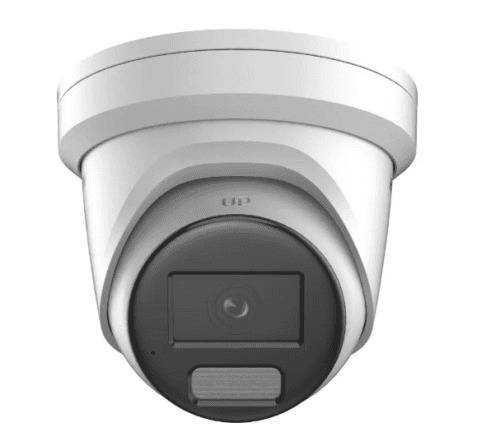
Resolution describes the image dimensions; it does not tell you how large a person will appear at your front gate. Check the model’s listed horizontal field of view and the distance you need to cover. A broad scene and a close identification view are different jobs.
Where a product offers several lenses, compare the exact options rather than treating the housing or model family as a single specification. Mounting height, direction and lighting still need to suit the location. Ask to review the proposed view before the final positions are agreed.
Decide what useful night footage looks like
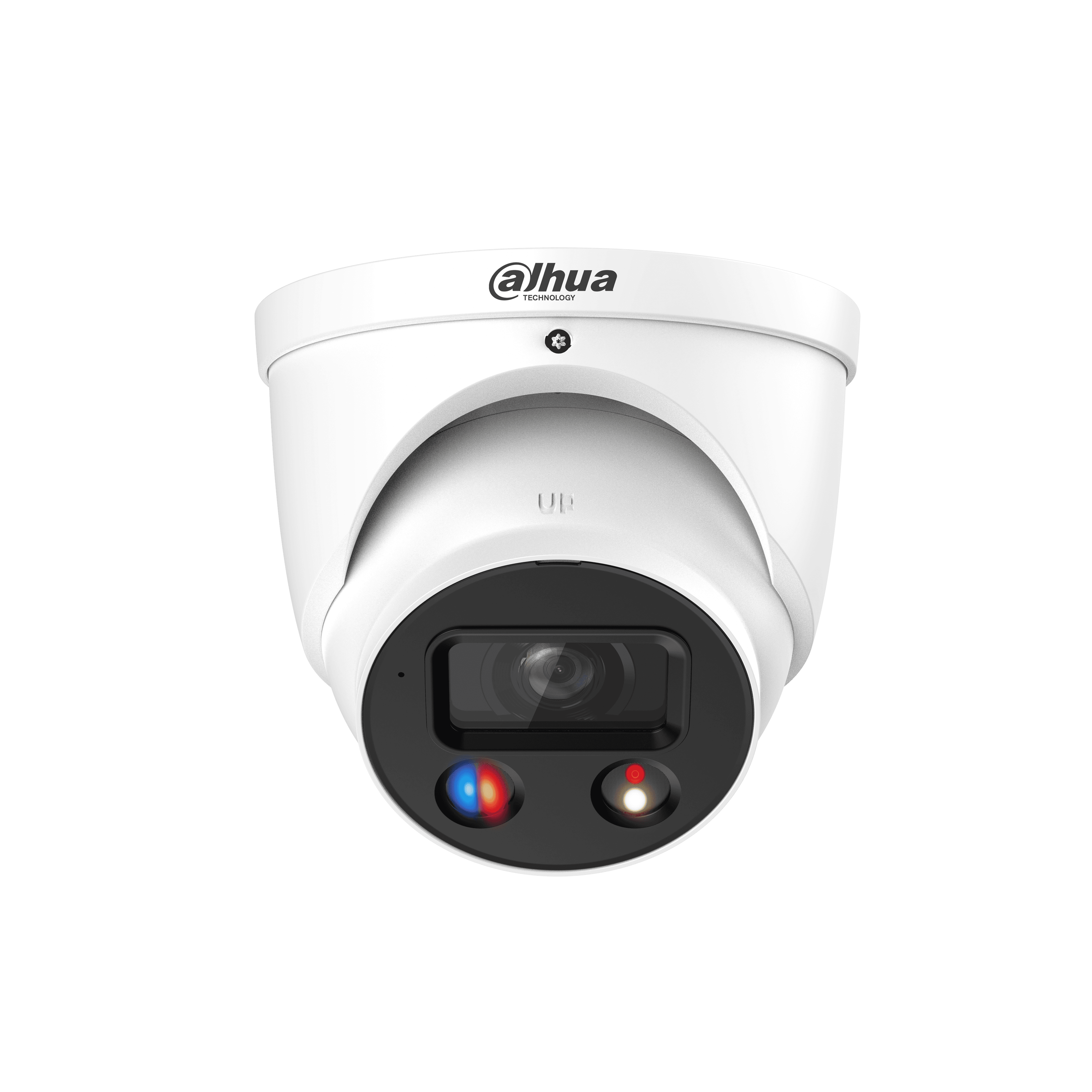
Think about whether the area has street lighting, a porch light or almost no ambient light. Compare the selected camera’s illumination modes and whether it uses visible light. A brightly lit entrance and a dark side path may need different choices.
Describe the real task: seeing someone approach, following activity across the yard, or reviewing detail at a gate. A still demonstration image does not answer every question about moving subjects. Ask how the proposed model and settings will handle people walking through your chosen view.
Make playback and everyday use part of the decision
Agree on where footage will be stored, how it will be reviewed and who needs access. Decide whether you want scheduled, event-based or continuous recording where the selected equipment supports it. Recording duration depends on the cameras, storage and settings, so an exact number of retained days needs a calculation for your setup.
Include a handover in the installation discussion: finding an event, exporting a clip, managing access and checking that recording is working. For showroom advice, bring your property sketch and the model numbers of any existing equipment. Online catalogue prices help compare equipment; availability, final options and any installation work still need confirmation.
Plan a visit to the Lynbrook showroom ↗Your questions, answered.
Can public customers buy Dahua, Hikvision and HiLook cameras?
Yes. Rhodium Security sells these camera ranges to public customers as well as trade customers. Compare models and GST-inclusive prices online, or visit 12 Stelvio Close, Lynbrook VIC 3975 for advice. Call 03 8787 8779 to confirm a particular model before travelling.
Showroom directions and opening hours ↗Can I see working home security cameras before I buy?
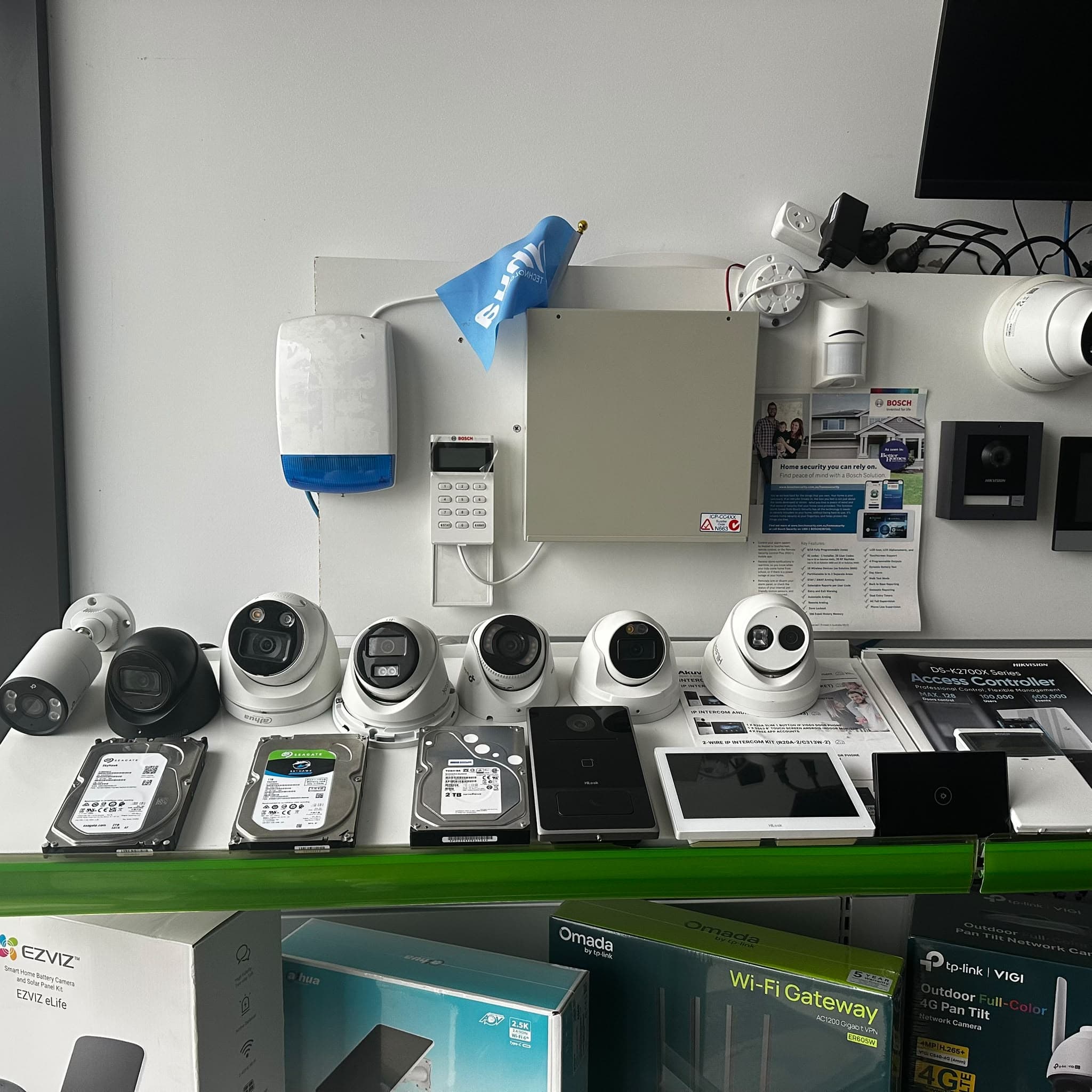
Yes. Visit Rhodium Security at 12 Stelvio Close, Lynbrook VIC 3975 for working camera demonstrations and help choosing a system for your home. Bring a property sketch or existing camera and recorder model numbers. Call 03 8787 8779 before travelling for a particular model or feature. Public customers are welcome Monday–Friday 9am–5pm and Saturday 9am–1pm; Sunday closed. Showroom conditions differ from the lighting and distances at your property.
Plan a showroom demonstration visit ↗How many home security cameras do I need?
Count the distinct views you need, not just the corners of the building. Start with entrances, side access and the driveway, then check whether each proposed position gives the detail you want. A layout review is more useful than choosing a fixed number for every home.
What are the best security cameras for home use in Melbourne?
There is no single best camera for every home. Shortlist exact models by the view, distance, lighting, weather exposure, recording and network or power available at each position. Then compare the complete system cost and support before choosing a camera or kit.
Should I choose 4MP, 6MP or 8MP cameras?
Compare complete models at the viewing distance and lighting you have. More pixels can be useful, but the lens, field of view, exposure and recording settings also affect usable detail. Check a shortlisted model’s specifications rather than choosing on resolution alone.
Can I check my cameras from my phone?
Remote viewing depends on compatible equipment, the network connection and account configuration. Ask which application the exact model supports, who will own the account and what setup is included. Phone viewing and recording are separate requirements.
Can I keep my existing recorder?
Possibly. Bring its full model number, current camera details and the type of cabling. The recorder must support the cameras and the functions you want to use; a matching brand name alone does not establish compatibility.
Can I collect home security cameras in Lynbrook?
Yes. Select your equipment and options, pay online and wait for the ready-to-collect email before travelling to 12 Stelvio Close, Lynbrook VIC 3975. Contact the showroom to discuss your shortlist or availability. Payment confirmation does not mean the order is ready for collection.
Showroom and contact details ↗Can I have home security cameras delivered?
Yes. Select Australian delivery at checkout for $20 including GST per order: $15 postage plus $5 handling. Free Lynbrook collection is also available. The team confirms dispatch arrangements after payment; contact the showroom before ordering if you need a delivery timing or parcel-size check.
Delivery and collection options ↗