Hikvision · Cameras
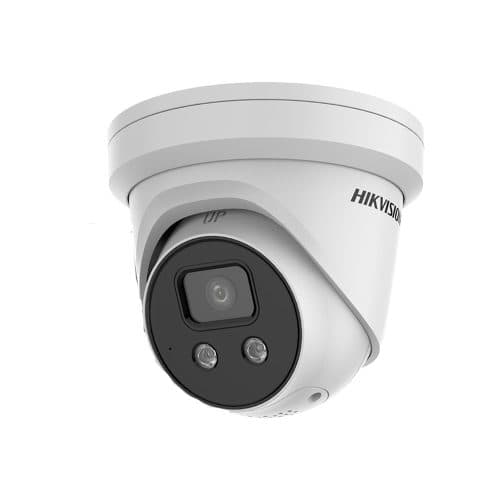
Hikvision Acusense DS-2CD2366G2-I IP Camera 6MP Turret Network Camera
Model / SKU: DS-2CD2366G2-Iu
6 MP resolution · Turret camera · AcuSense range
$230.00incl. GSTCall to confirm current Lynbrook availabilityView options ↗ RHODIUMSECURITY
Buy Hikvision security cameras and four-camera CCTV kits from Rhodium Security. Public customers are welcome at our Lynbrook showroom. Compare 6MP and 8MP IP camera examples, model-specific AcuSense and ColorVu features, and the recorder and storage options in each kit.
Prices include GST. Order online for $20 Australian delivery or free Lynbrook collection. Visit 12 Stelvio Close for help choosing compatible models; call 03 8787 8779 to check availability before travelling.
PUBLIC CUSTOMERS WELCOME
Hikvision model suffixes and lens options matter when replacing a camera or planning a system. Bring the full model numbers and a sketch of your property to compare suitable choices at our Lynbrook showroom.
Describe where the camera faces and the strongest light source. Ask to compare face visibility against the background, including at the time of day that matters.
Check the exact model’s lighting and event-detection features separately. Ask to replay a moving person; a colour image alone does not establish usable detail.
Check camera and recorder model numbers, selected lens, power and supported recording functions. Do not assume a matching brand guarantees every feature works together.
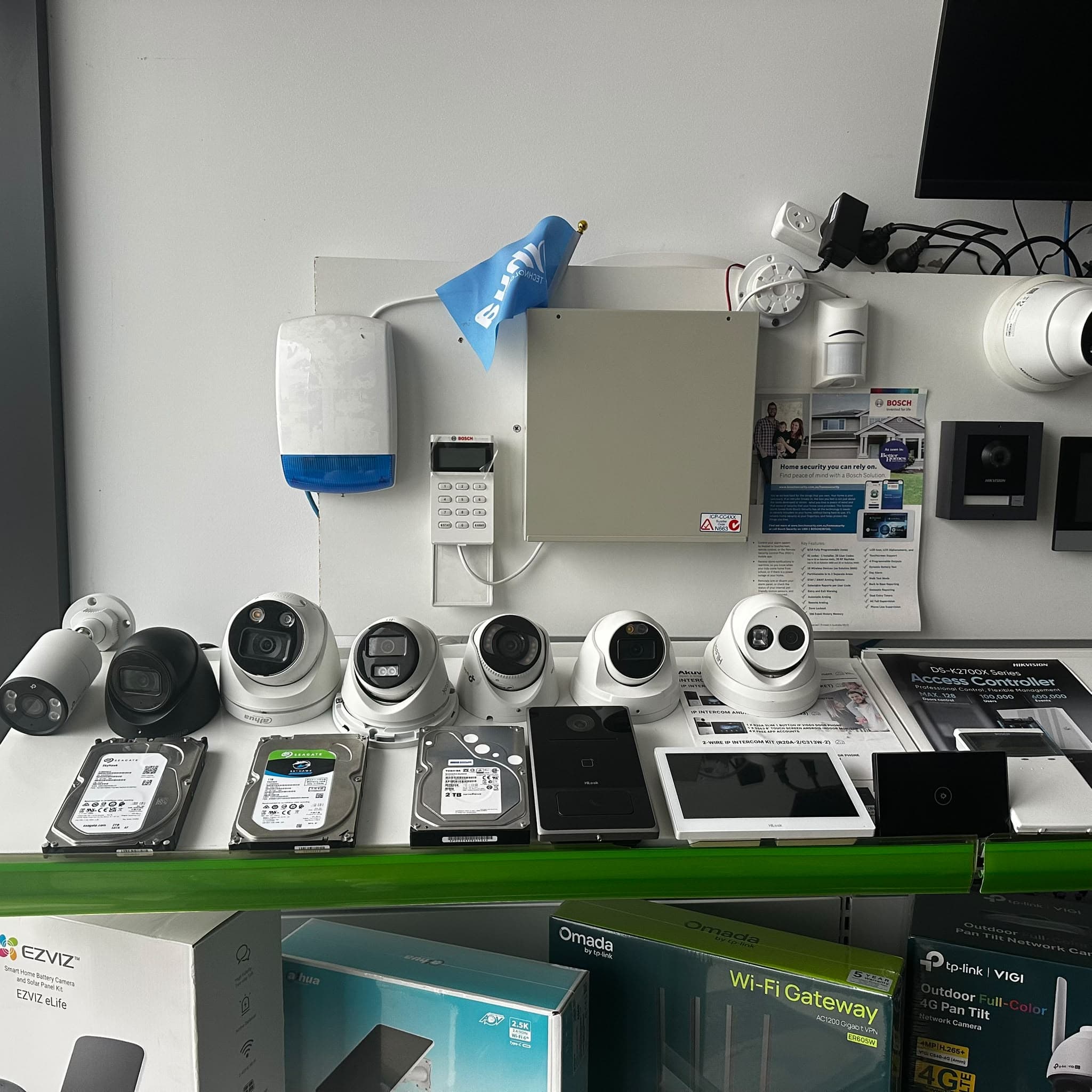
Working demonstrations are available. Call first for a particular model or feature. A showroom demonstration cannot reproduce every property’s lighting and distances.
12 Stelvio Close, Lynbrook VIC 3975 · Mon–Fri 9 am–5 pm · Sat 9 am–1 pm · Sunday closed.
EXPLORE THE RANGE
Compare these individual camera examples by full model, lens, night lighting and detection features. Have your existing recorder checked before choosing a replacement.
Model / SKU: DS-2CD2366G2-Iu
6 MP resolution · Turret camera · AcuSense range
$230.00incl. GSTCall to confirm current Lynbrook availabilityView options ↗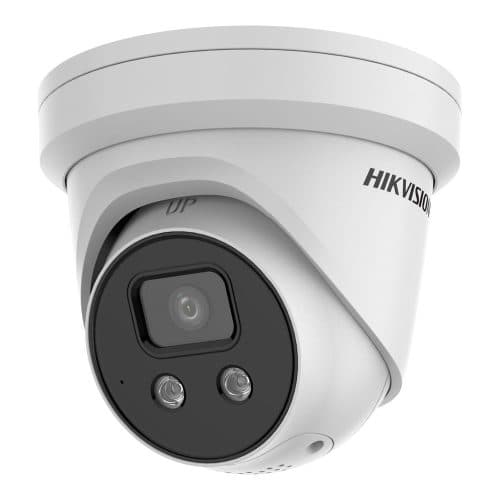
Model / SKU: DS-2CD2386G2-ISU/SL
8 MP resolution · Turret camera · AcuSense range
$290.00incl. GSTCall to confirm current Lynbrook availabilityView options ↗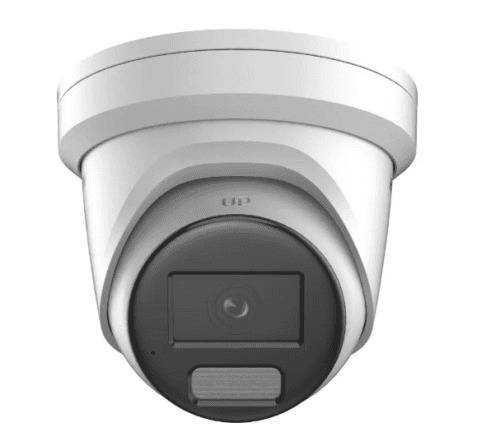
Model / SKU: DS-2CD2387G2H-LISU/SL
8 MP resolution · Turret camera · ColorVu range
$375.00incl. GSTCall to confirm current Lynbrook availabilityView options ↗Start a four-view shortlist here. Check the camera models, recorder and selected hard-drive option in each listing; some base kits have no HDD. Request equipment and installation together if you want a complete installed quote.
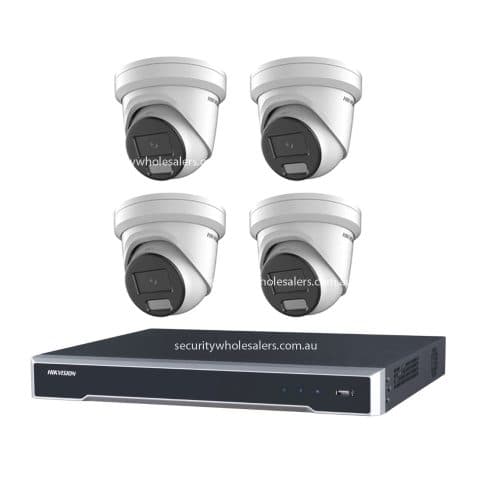
Model / SKU: RS-17722
6 MP resolution · 4 channel recorder · Turret camera
$1,270.00incl. GSTCall to confirm current Lynbrook availabilityView options ↗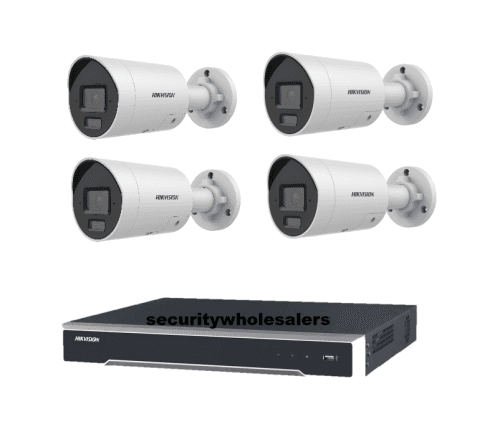
Model / SKU: RS-17687
6 MP resolution · 4 channel recorder · Bullet camera
$1,328.00incl. GSTCall to confirm current Lynbrook availabilityView options ↗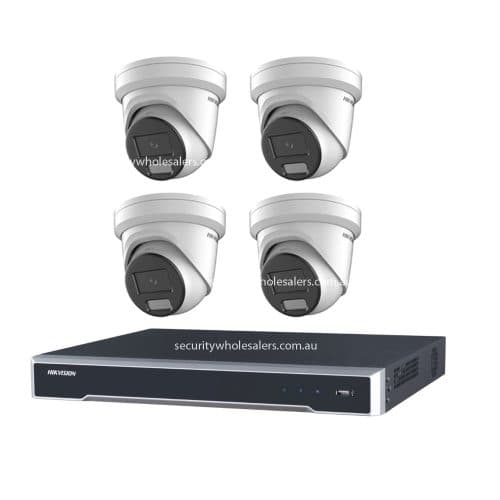
Model / SKU: RS-133874
6 MP resolution · 4 channel recorder · AcuSense range
$1,448.00incl. GSTCall to confirm current Lynbrook availabilityView options ↗Check individual listings for model details, selected options and pricing. Confirm showroom availability and collection arrangements before travelling.
CHOOSE WITH THE DETAILS IN VIEW
Treat imaging, detection, lens choice and recording as separate questions. A single headline feature does not describe the whole system.
| Start with | Consider | Ask before choosing |
|---|---|---|
| Model and generation | The complete part number, including suffixes. | Are the two listings actually the same model and configuration? |
| Night imaging | The light available and the model’s illumination modes. | Will the selected lighting behaviour suit this mounting position? |
| Detection and search | The target or event you need to locate. | Does the chosen camera and recorder combination support that function? |
| Lens and storage options | Field of view, colour choices and any drive selection. | Have you compared the total for the exact configuration you want? |
Hikvision camera names can contain several generation and feature identifiers. Copy the full model number from the listing and keep the lens option alongside it. Similar product names, or the same resolution, do not establish that two cameras have the same functions.
For an existing installation, make the current recorder part of that comparison. Note which functions you use now and what you want to add. This is particularly useful when a replacement belongs to a newer camera generation.
Browse individual Hikvision models ↗Hikvision’s materials describe ColorVu in relation to colour imaging and AcuSense in relation to human and vehicle classification. These answer different questions: what the footage looks like, and which events the system can identify. Check both on the exact model rather than treating either name as a complete specification.
For Smart Hybrid Light models, Hikvision describes infrared, white-light and smart lighting modes. Confirm the modes offered by your shortlisted camera and the settings your installer proposes. Consider how visible light would affect the entrance, path or yard where the camera will operate.
Manufacturer reference: Hikvision’s Smart Hybrid Light and ColorVu brochure.
Some Hikvision listings offer several lens or camera-colour choices. Read the available combinations: a listed colour does not necessarily mean every lens is available in that colour. Use the field-of-view specification to compare the actual scene coverage you need.
For a camera kit, record the number of cameras, the recorder model and whether a drive is included. Storage upgrades and other optional items can change the final price. Save the exact configuration in your shortlist rather than relying on a base price and product image alone.
Compare Hikvision camera kits ↗Decide which views need recording, which events should generate alerts and who will review footage. Ask for the selected camera and recorder combination to be checked for these requirements. Define the intended alert area and confirm how an event will be found during playback.
Bring your model shortlist, property layout and existing equipment details when discussing the system with Rhodium Security in Lynbrook. Ask for a clear equipment list and any installation scope. Catalogue prices support the comparison; showroom stock and collection arrangements must still be confirmed.
Plan your showroom discussion ↗Bring your home layout and Hikvision model shortlist to the installation discussion. Explain the detail you need at each entrance and how you want to find recordings. We can discuss the equipment, cable access and setup scope for your property; the installation guide covers quote inclusions and what to check before handover.
Explore Hikvision home camera installation ↗Yes. Homeowners and business customers can buy eligible Hikvision equipment online at our GST-inclusive retail prices. No trade account is needed. Visit the Lynbrook showroom with your model shortlist or property plan for advice.
Australian delivery is $20 including GST per order through online checkout; Lynbrook collection is free. Wait for the ready-to-collect email before travelling for an order. Availability and installation appointments can be discussed with our team.
They describe different areas of functionality. ColorVu relates to colour imaging; AcuSense relates to human and vehicle classification. Check whether the exact camera and recorder you are comparing support the particular features you need.
No single night-lighting behaviour applies to the entire range. Check the illumination modes and settings for the selected model. Ask whether the proposed setup uses infrared, visible light or a supported automatic mode.
The listings may differ in generation, lens, lighting, audio, detection features or included equipment. A kit can also differ in recorder or drive capacity. Compare the full part number and selected options before treating two listings as equivalent.
That requires a model-specific check. Confirm recording support and each function you need, including events or audio. Bring the recorder model, current camera models and connection details when discussing the upgrade.
The showroom is at 12 Stelvio Close, Lynbrook VIC 3975. Contact us to confirm your chosen models, options, availability and collection arrangements. A catalogue selection by itself does not create a paid order.
Lynbrook showroom and collection details ↗