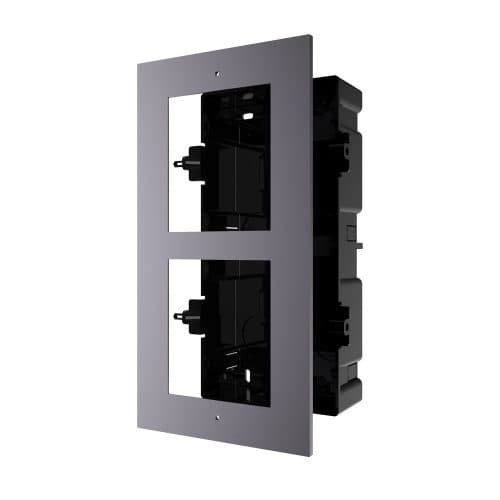
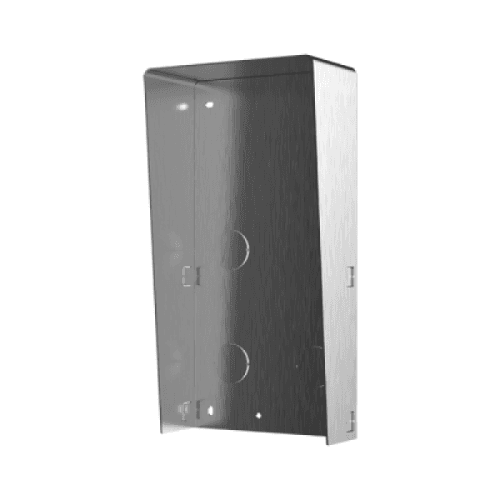
Product image. Check the selected model, lens, colour and package contents before ordering.
Product details
Brand
Hikvision
Model / SKU
DS-KD-IN
Equipment
Intercom
Hikvision · Intercoms
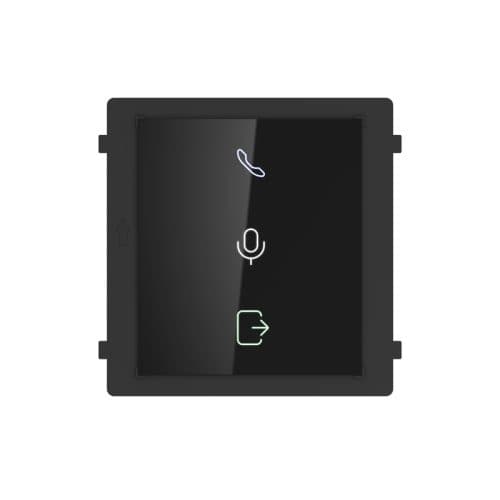
Hikvision Gen2 DS-KD-IN Video Intercom Indicator Module
Model / SKU: DS-KD-IN
Hikvision Gen2 DS-KD-IN Video Intercom Indicator Module. Hikvision DS-KD-IN Video Intercom Indicator Modular Video connects to the DS-KD8003-IME1 Door Station units via the supplied RS485 leads and provides visual indication to the ‘visitor’ at the Door Station of the Door Station Status; including Calling, Opening Door and Two Way Audio in progress. Hikvision DS-KD-IN Video Intercom Indicator Modular Video connects to the DS-KD8003-IME1 Door Station units via the supplied RS485 leads and provides visual indication to the ‘visitor’ at the Door Station of the Door Station Status; including Calling, Opening Door and Two Way Audio in progress. System Parameters Processor: Embedded MCU Processor Device Interfaces Debug: 1 Module-connecting: 2(1 Input, 1 Output) General Power output: 12VDC(Powered for the other module) Power input: 12VDC(Powered by the other module) DIP switch: 8 Installation: Flush Mounting, Surface Mounting Power Consumption: ≤2W Working Humidity: 10% to 95% Working Temperature: -40° C to +60° C (-40° F to 140° F) Dimensions(L × W × H): 98.5mm×100mm×33.7mm(3.87″×3.95″×1.33″) IP Protection Level: IP65 User Manual Datasheet
$49.00
incl. GST · Equipment supply
Price checked 6 September 2026
Collection availability is confirmed after your order. Please wait for your ready-to-collect notice before visiting.
Need this exact model today? Call 03 8787 8779 to confirm Lynbrook availability before travelling.
Australian delivery or free Lynbrook collection. Choose at checkout. For collection, wait for your ready-to-collect email.
Australia-wide standard delivery: $20.00 including GST and handling per order. Estimated packing and dispatch: 1–2 business days; transit after dispatch: 2–7 business days. Business days are Monday–Friday, excluding public holidays. Contact us before ordering if timing is critical.
Ask about this model at 12 Stelvio Close, Lynbrook VIC 3975. Monday–Friday, 9am–5pm; Saturday 9 am–1 pm; closed Sunday. Confirm availability and collection arrangements with the showroom before travelling.
Equipment supply does not include installation unless expressly included in your confirmed quote. Check exact model numbers, connections and any required accessories with the team before buying. Confirm setup, cabling and the full work included in your property-specific quote.
Plan your entrance and intercom connections
Check whether this listing is a complete kit, door station, indoor monitor or accessory. Bring model numbers and details of existing cables, power and the door or gate release. Confirm the supported wiring, app access and component compatibility for your entrance.