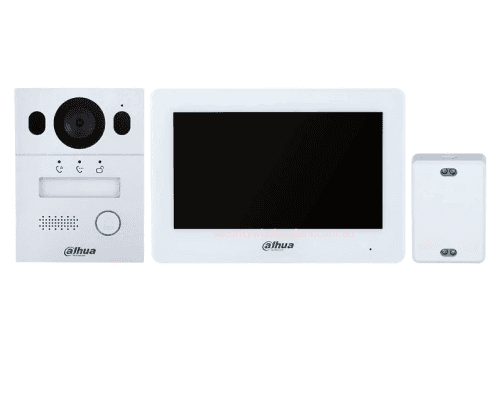
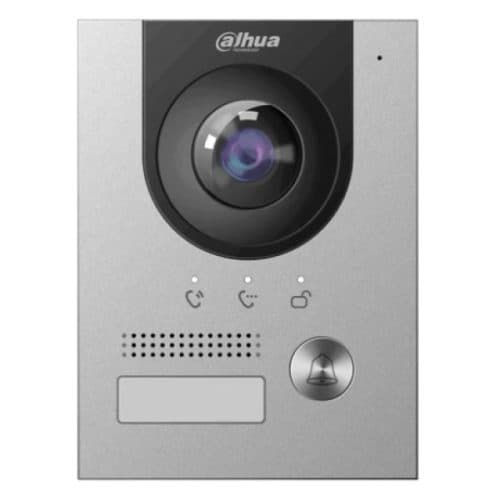
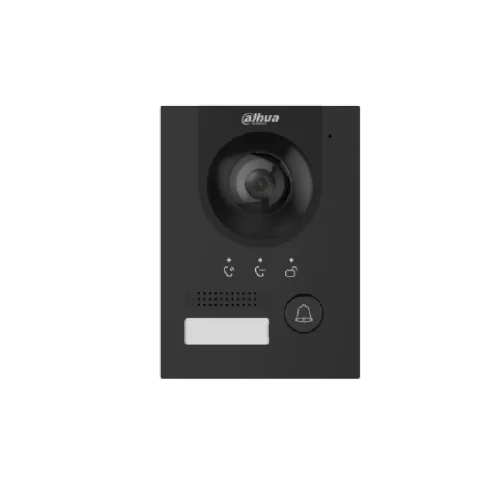
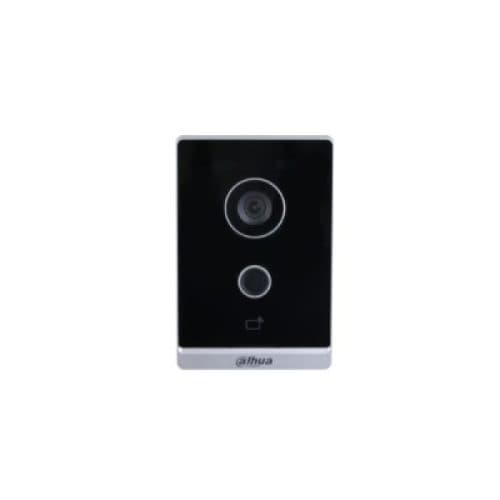
Product image. Check the selected model, lens, colour and package contents before ordering.
Product details
Brand
Dahua
Model / SKU
DHI-KTX01(S)
Equipment
Intercom
Dahua · Intercoms
Dahua 2 Wire Intercom Kit, DHI-KTX01(S) IP Villa Door Station
Model / SKU: DHI-KTX01(S)
Dahua 2 Wire Intercom Kit, DHI-KTX01(S) IP Villa Door Station. Dahua DHI-KTX01(S) 2 Wire IP Villa Surface Kit Kit Contains 1 x DHI-VTO2003F ( 2-wire Hybrid Villa Door Station DHI-VTO2003F ) 1 x VTM115 (VTM115 SURFACE BOX) 1 x DHI-VTH5123H-W ( DHI-VTH5123H-W 2 WIRE IP White MNTR ) 1 x DHI-VTNC1003C (2 WIRE SWITCH) Product Features Anodized aluminum front panel CMOS low illumination 2MP HD colorful 160° fisheye camera Video intercom function Access control function that supports for two locks Mobile phone app, talk to the visitor or unlock the door remotely on Compatibility 2-wire Interface & RJ45 Interface IK07&IP65 Support H.265 Support surface and flush mount PoE 2.5D screen glass 7″ TFT capacitive touch screen 6-channel alarm input and 1-channel alarm output H.265 video coding (H.264 by default) Supports 2-wire digital communication Supports daisy chain topology Supports 10-level cascade through the 2-wire port Supports connecting to 20 devices Supports connecting through RJ45 port Supports guide rail mount VTO2003F_datasheet VTH5123H-W_datasheet KTX01_datasheet Front Gate / Front Door Dahua VTO2003F Door Station │ │ 2-core cable │ carries power + video/audio/data │ VTNC1003C 2-Wire Controller │ │ 2-core cable │ carries power + video/audio/data │ VTH5123H-W Indoor Monitor │ │ Wi-Fi to router │ for DMSS app / remote calling │ Home Internet Router The kit uses a 2-wire controller as the central power and communication point. Dahua’s 2-wire system sends both power and signal through the same 2-core cable , and the indoor monitor can connect to the network by Wi-Fi for app calling, remote viewing and remote unlock through DMSS. Dahua states the system is designed for upgrading old intercom/doorbell wiring and supports up to around 200 m from door station to indoor monitor in suitable conditions. Practical cabling layout 1. Door station to controller Run one 2-core cable from the outdoor door station back to the VTNC1003C 2-wire controller . 2. Controller to indoor monitor Run one 2-core cable from the controller to the indoor touchscreen monitor. 3. Controller power The controller is powered by the supplied power adapter/power cord. The door station itself is powered from the 2-wire controller, not by PoE. The Dahua product spec lists the door station power supply as 2-wire controller . 4. Internet/app connection No Ethernet cable is required to the indoor monitor if using Wi-Fi. The indoor monitor connects to the customer’s Wi-Fi, which then allows mobile app calling, monitoring and unlocking via DMSS. Lock/gate release cabling If it is opening a gate motor , usually wire the Dahua door station’s relay output into the gate motor’s push button / open / trigger input . That is normally a dry-contact style trigger. If it is opening an electric strike or magnetic lock , do not rely on the tiny 12 V output for most locks. The door station has a 12 VDC 200 mA output and lock control output, but most locks need their own properly sized power supply.
$460.00
incl. GST · Equipment supply
Price checked 6 September 2026
Showroom availability and collection timing are being confirmed. Online ordering is not open yet.
Ask about this model at 12 Stelvio Close, Lynbrook VIC 3975. Monday–Friday, 9am–5pm; Saturday 9 am–1 pm; closed Sunday. Online ordering is being prepared. Confirm availability and collection arrangements with the showroom before travelling.
Equipment supply does not include installation unless expressly included in your confirmed quote. Check compatibility with existing cameras, recorders and cabling before buying. Kit storage and additional equipment depend on the selected options.
Plan your Dahua setup
Compare the listed model, lens and equipment options with the area you need to see. For an upgrade, have your current recorder model ready so compatibility can be checked. Equipment prices are separate from installation unless your quote says otherwise.