Hikvision · Alarms
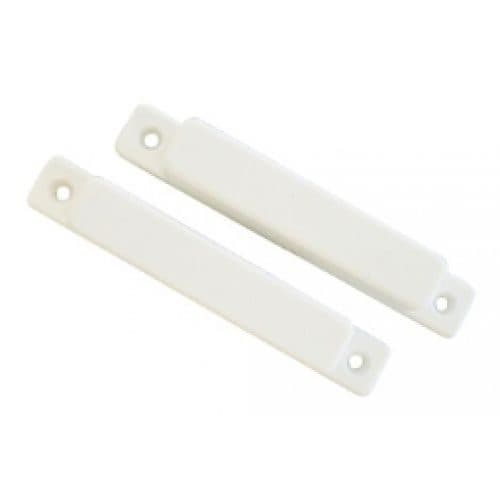
Big Gap Surface Mount Reed Switch, White
Model / SKU: CSD-2001
Alarm accessory
$15.00incl. GSTShowroom availability to be confirmedView product ↗ RHODIUMSECURITY Your cart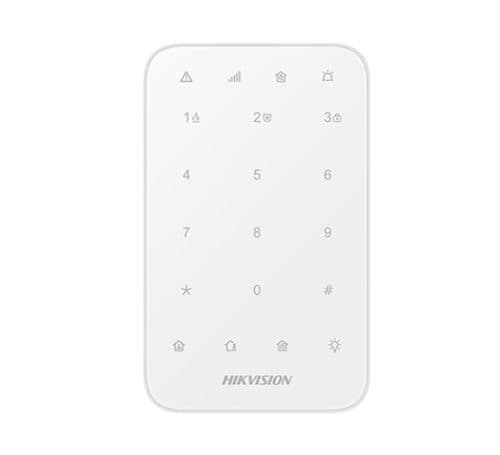
Product image. Check the selected model, lens, colour and package contents before ordering.
Hikvision · Alarms
Model / SKU: DS-PK1-E-WB
Hikvision AX PRO Series DS-PK1-E-WB Wireless Keypad. Hikvision DS-PK1-E-WB AX PRO Series Wireless Keypad 433MHz two-way Tri-X wireless technology; Frequency hooping against jamming for reliable transmission; RF Range: 900m(open space); Stay/away arming, disarming, alarm clearing for specified area or all areas; One-Push fire alarm, panic alarm, and medical alarm(Silent/Audible alarm selectable); Output control; Fully remote configurable through APP; Battery Type: 4 * AA batteries (included by default, easy replaceable) Battery Life: more than 2 years (standby time) SW_SPEC_DS-PK1-E-WB_Wireless-Keypad_1.0_20200927 How to Configure Wireless Keypad in AX PRO Wireless Control Panel PLEASE NOTE: 99 DAY LEAD TIME RF Transmission RF Frequency 433 MHz RF Modulation 2GFSK RF Range 900m (open area) Electrical Characteristics Power Supply Battery Supply Battery Type Four AA batteries Battery Life Span Standby time more than two years General Operation Temperature -10 °C to +55 °C (-4 °F to +122 °F) Operation Humidity 10% to 90% (No condensing) Dimension(WxHxD) 140 (5.50″) x 86 (3.38″) x 22 (0.87″) mm 151 g (5.33 oz) without battery Installation Method Screw mounting How to set pin numbers on the keypad Adding Pin numbers to AX Pro keypad
incl. GST · Equipment supply
Price checked 6 September 2026Ask about this model at 12 Stelvio Close, Lynbrook VIC 3975. Monday–Friday, 9am–5pm; Saturday 9 am–1 pm; closed Sunday. Online ordering is being prepared. Confirm availability and collection arrangements with the showroom before travelling.
Collection information ↗Equipment supply does not include installation unless expressly included in your confirmed quote. Check compatibility with existing cameras, recorders and cabling before buying. Kit storage and additional equipment depend on the selected options.
Compare the listed model, lens and equipment options with the area you need to see. For an upgrade, have your current recorder model ready so compatibility can be checked. Equipment prices are separate from installation unless your quote says otherwise.
Model / SKU: CSD-2001
Alarm accessory
$15.00incl. GSTShowroom availability to be confirmedView product ↗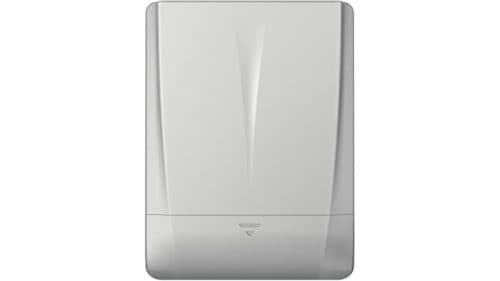
Model / SKU: DS-PDSKM-VG3
Sensor
$86.00incl. GSTShowroom availability to be confirmedView product ↗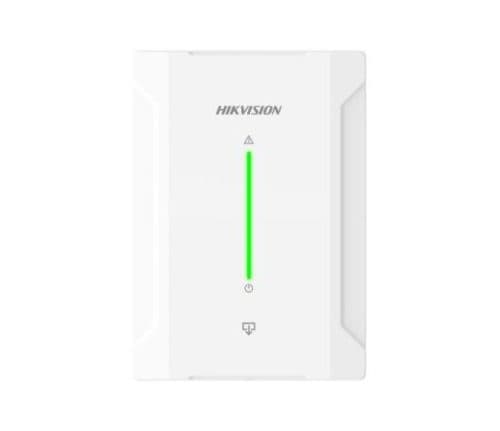
Model / SKU: DS-PM1-O4L-H
Alarm accessory
$91.11incl. GSTShowroom availability to be confirmedView product ↗